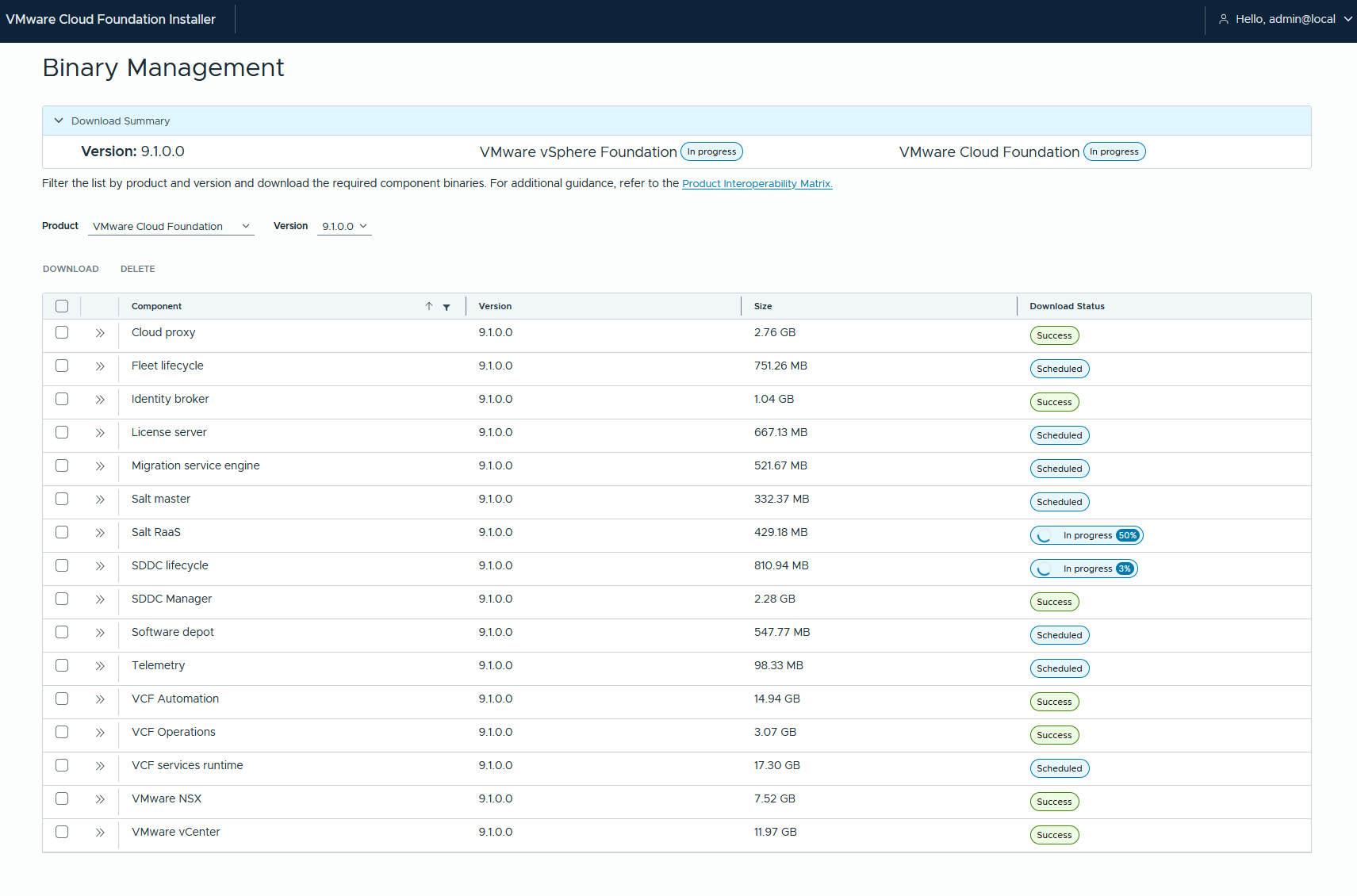
By default the VCF-Installer only supports https requests. But certs are a pain in a homelab so i downgrade my vcf-installer to support http 🙂
william lam alread described that for 9.0:
https://williamlam.com/2025/06/using-http-with-vcf-9-0-installer-for-offline-depot.html
and we are now going to do the same for 9.1
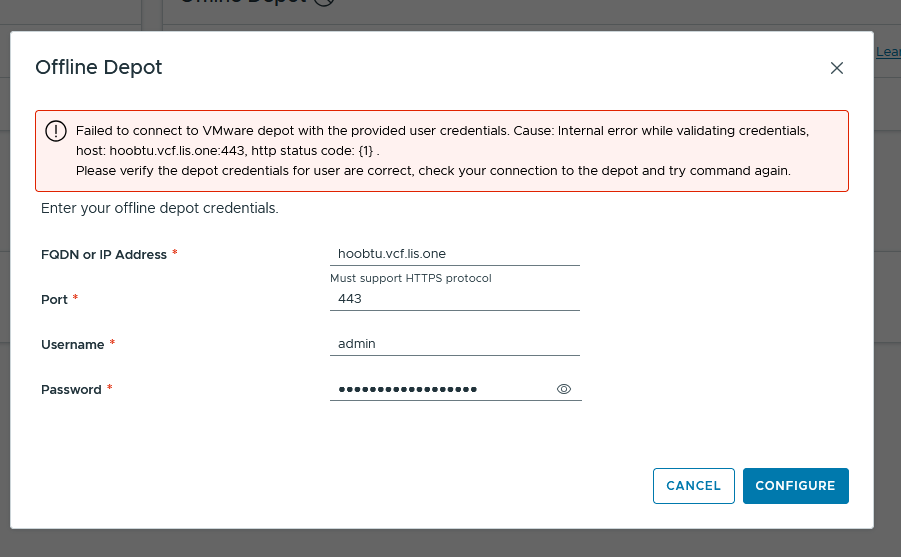
connect to your vcf-installer via ssh as vcf and then su to root:
then make sure the appropriate file is changeable or rather not read-only:
root@vcf-installer [ / ]# chmod 755 /opt/vmware/vcf/lcm/lcm-app/conf/application-prod.properties
and then edit the file with:
vi /opt/vmware/vcf/lcm/lcm-app/conf/application-prod.propertiesAdd the following line by pressing “i” for insert mode (so search for a free space in your config before entering “i”) and add:
lcm.depot.adapter.httpsEnabled=false

to write into the file simply enter
:wq ENTERthe file will be written and you quit vi.

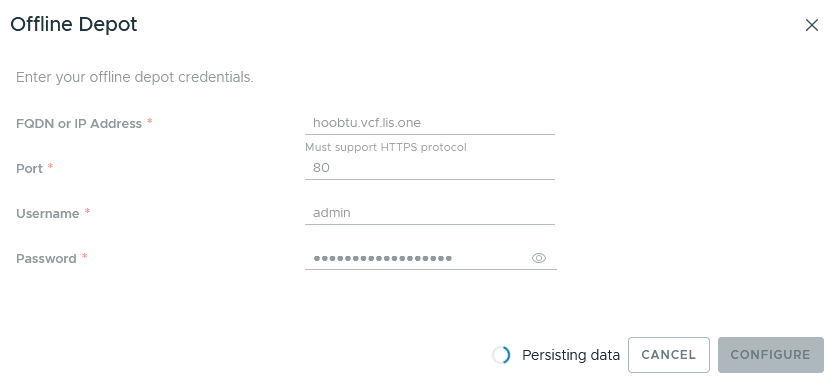
and we’re good:
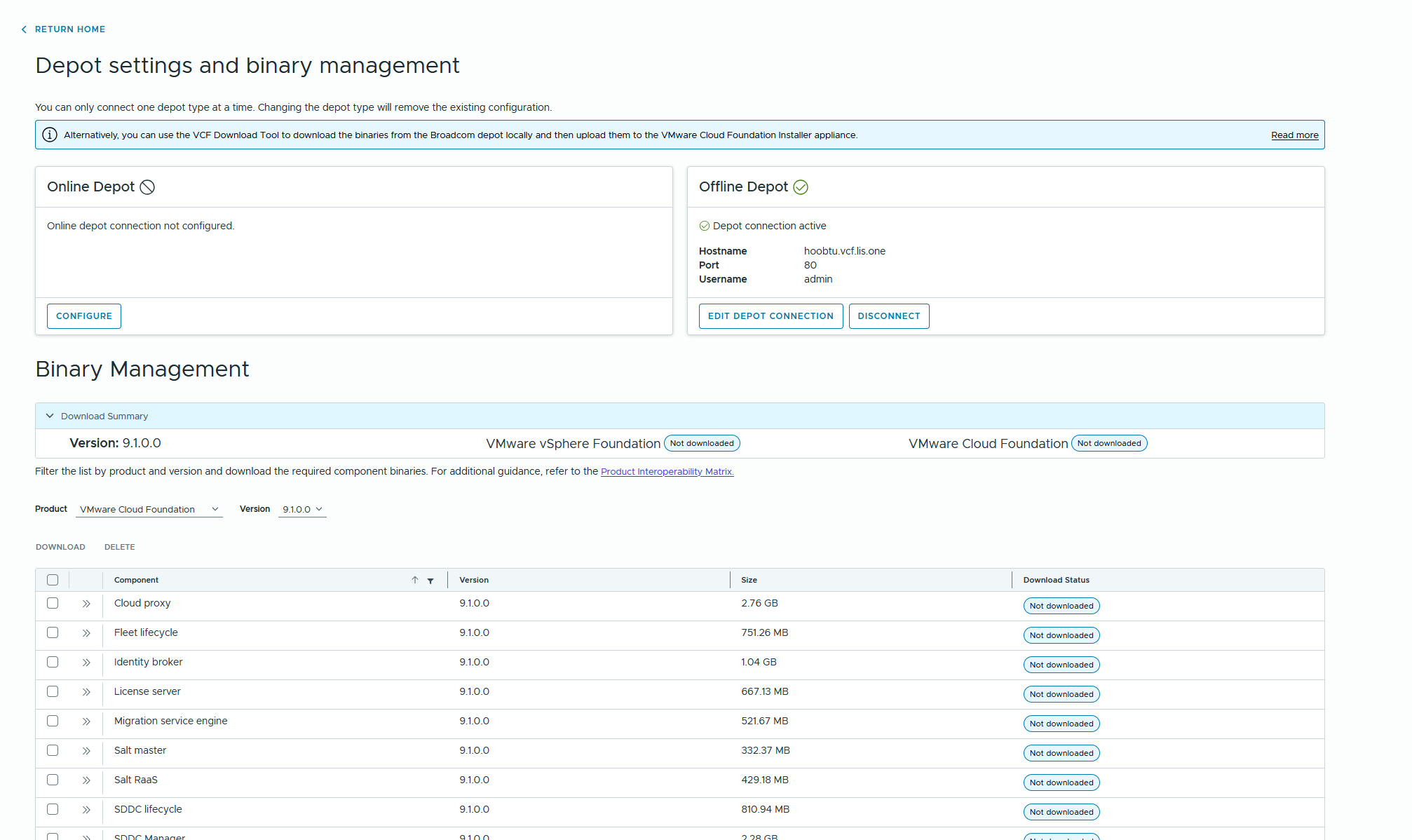
Now we can select the packages we want and start the download while seeing the progress: