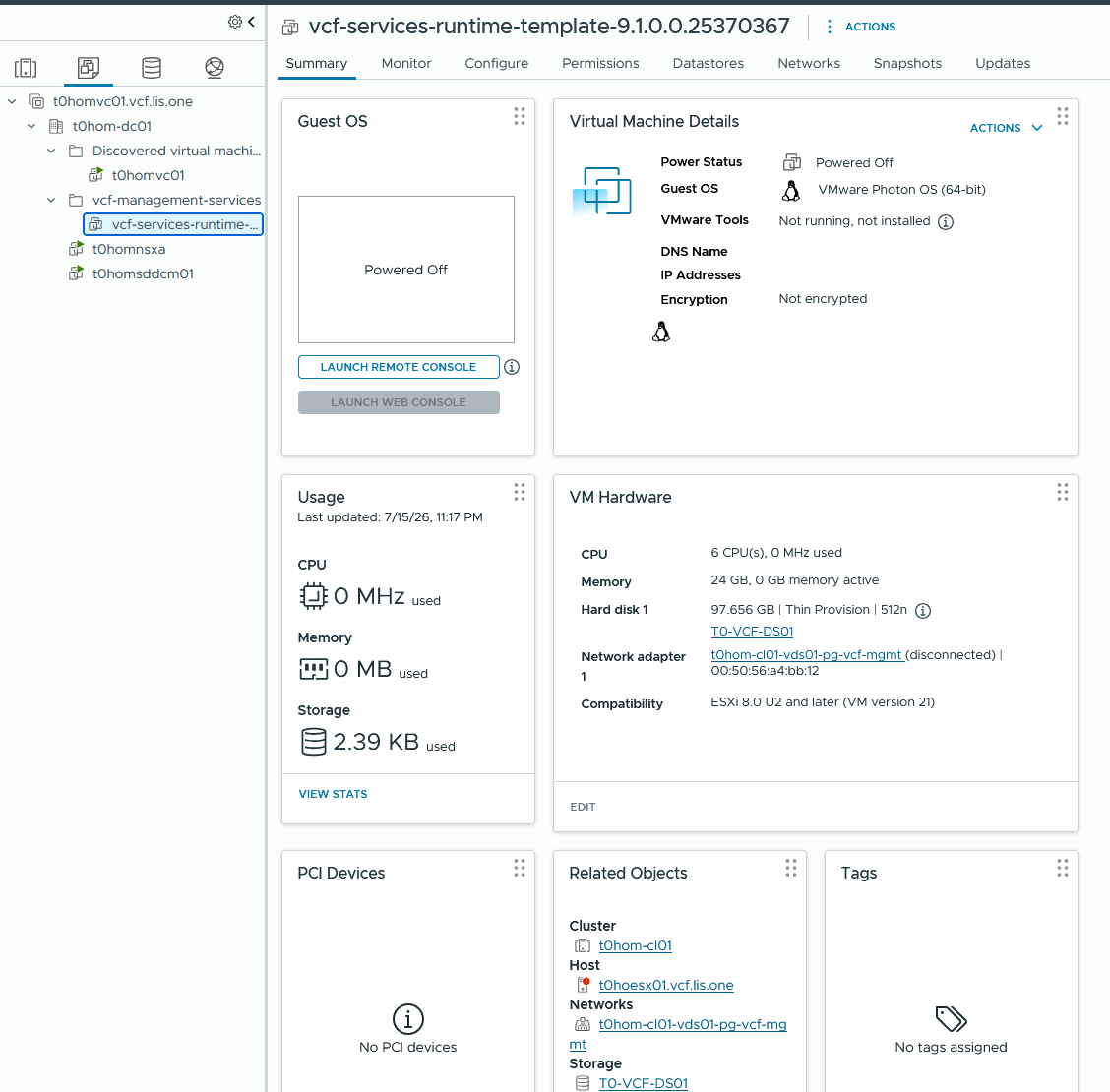
With VCF 9.1 we now have the option to update our principial storage, but only if we stay within the same storage type.
With that, if a storage array needs to be decomissioned we can simply change the principal storage in the SDDC Manager and leverage that for further deployments or rather automated tasks from VCF as they are leveraging what the SDDC Manager thinks is the principal storage.
So how does it work? First add your new Datastore to your Cluster so that it is available to all Hosts and then go into the SDDC Manager and let it upgrade its postgress Database so that we can use our new storage!
Part 1 – Prep Work
In my case i’ve added another NFS-Datastore to move everything over until i could fix my NAS.
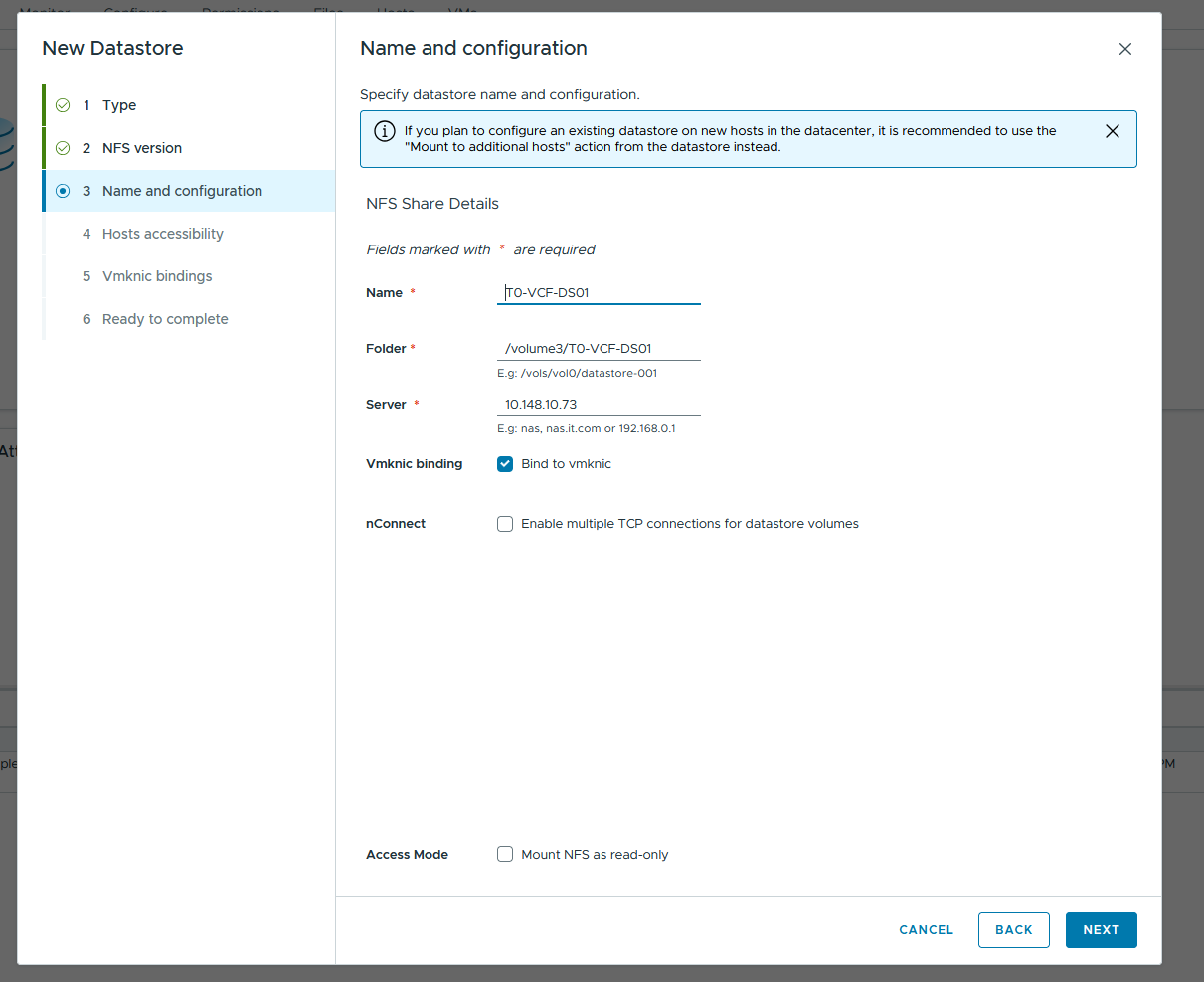
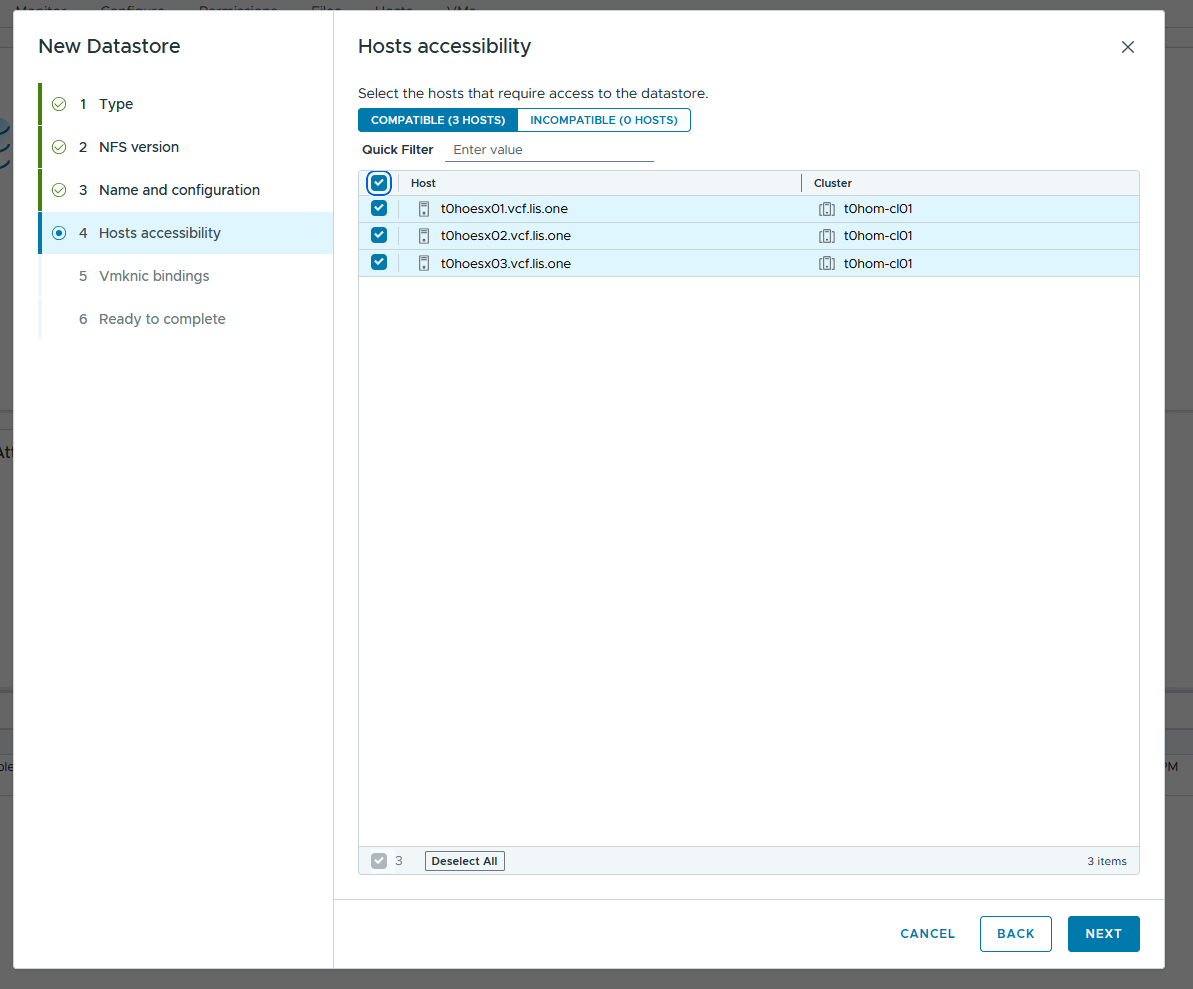
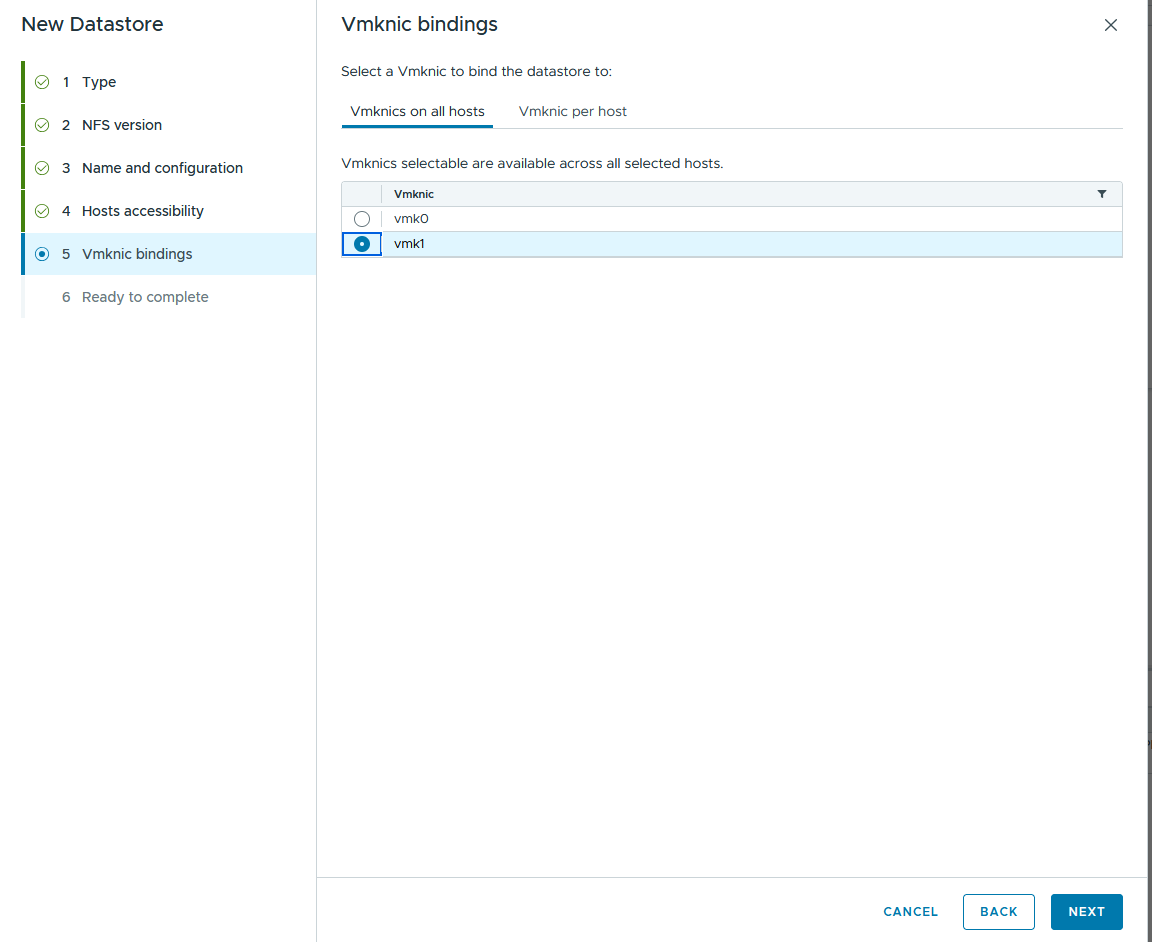
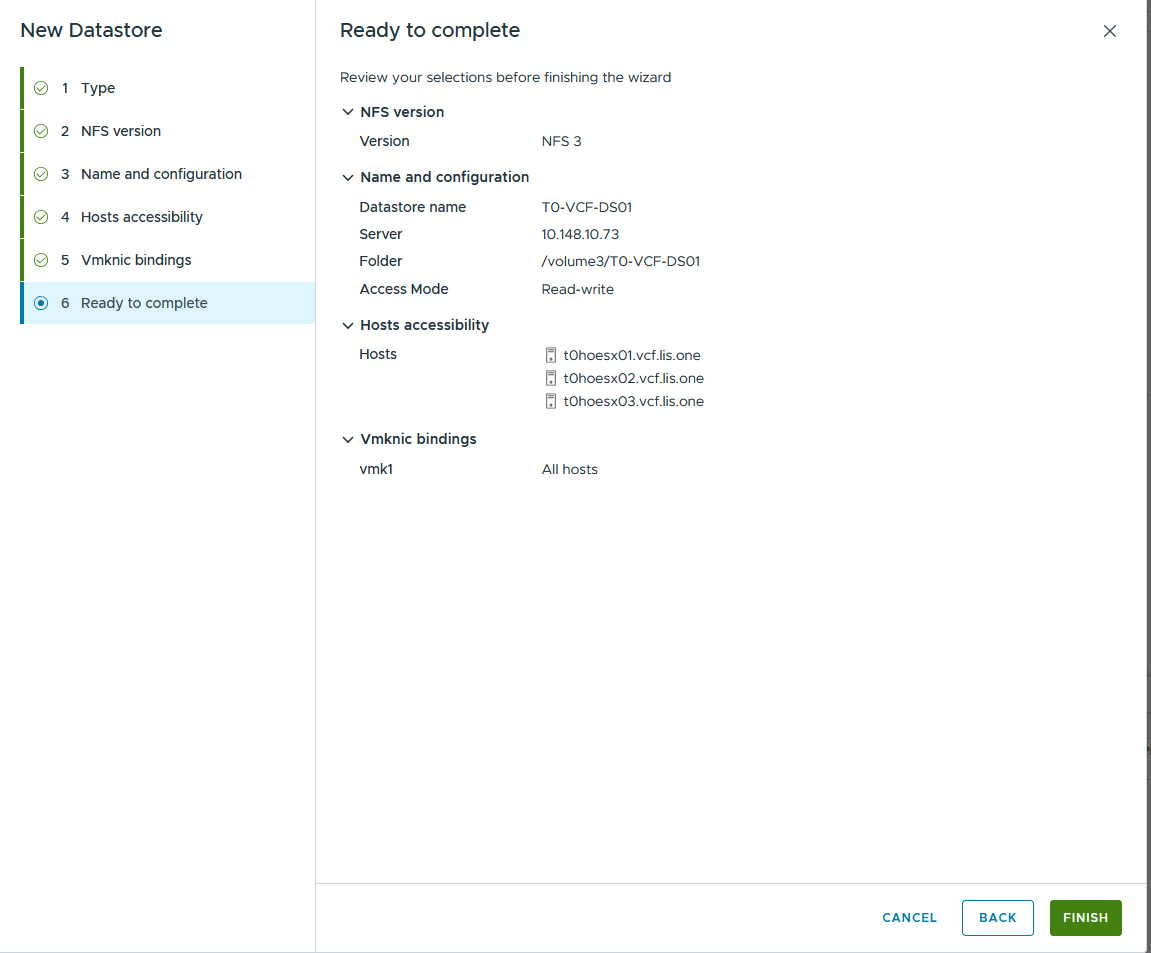
Now the Storage is available in our vCenter and each ESX-Host can access it:
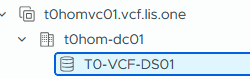
Part 2 – Update the Primary Datastore via SDDC Manager
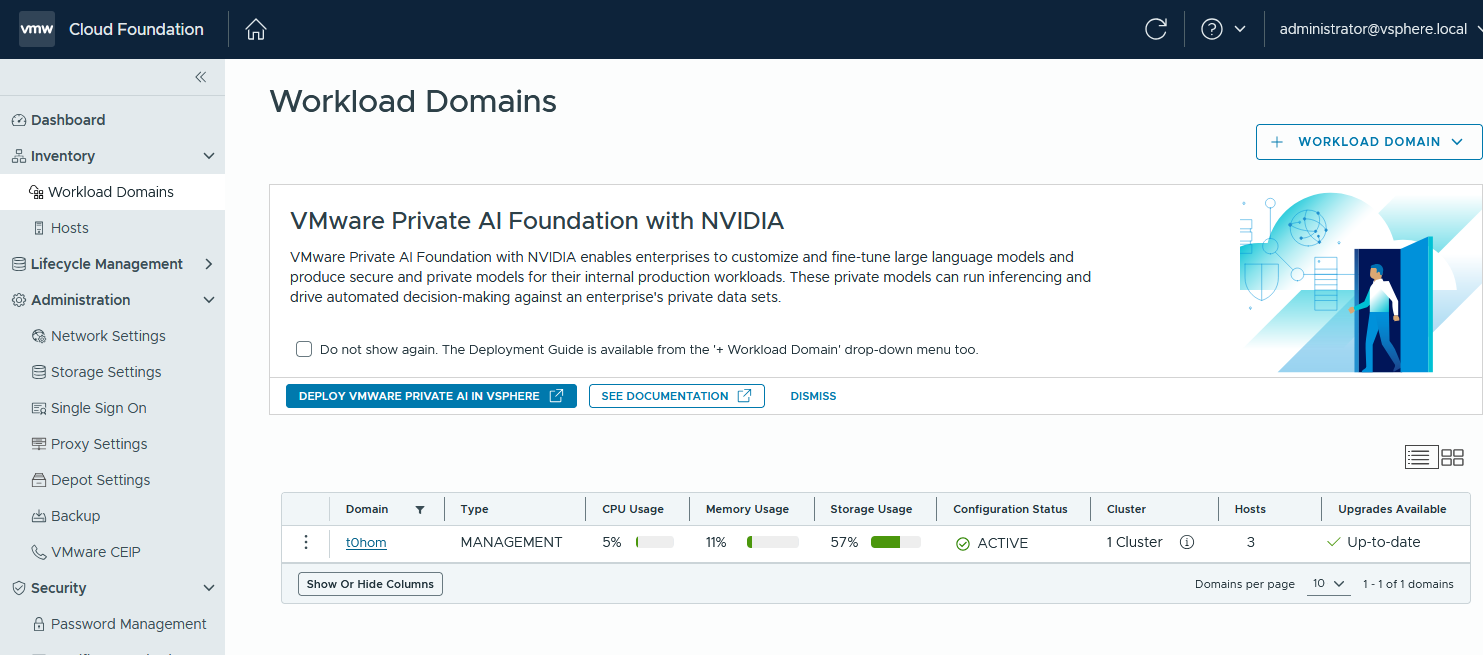
We login to our SDDC Manager, select the Management Domain (in my case) and then move over to the Clusters View:
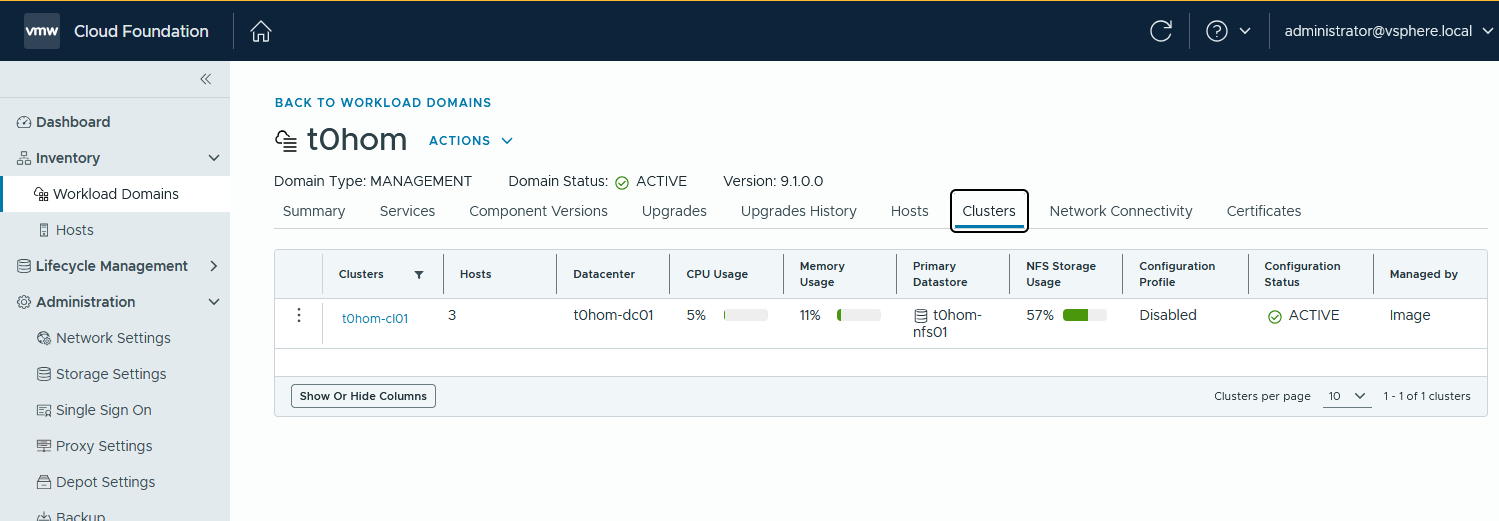
Then we hit the 3 dots besides the cluster and select “Update Primary Datastore”
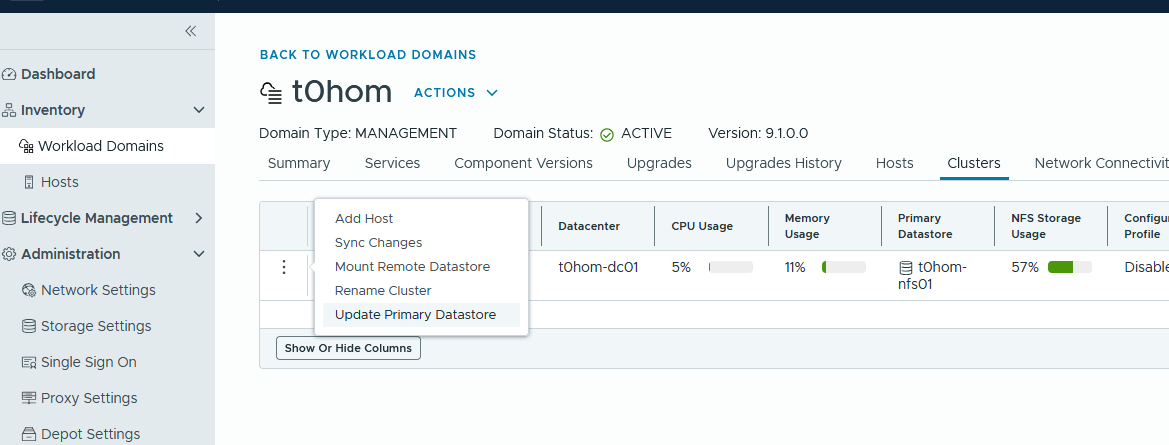
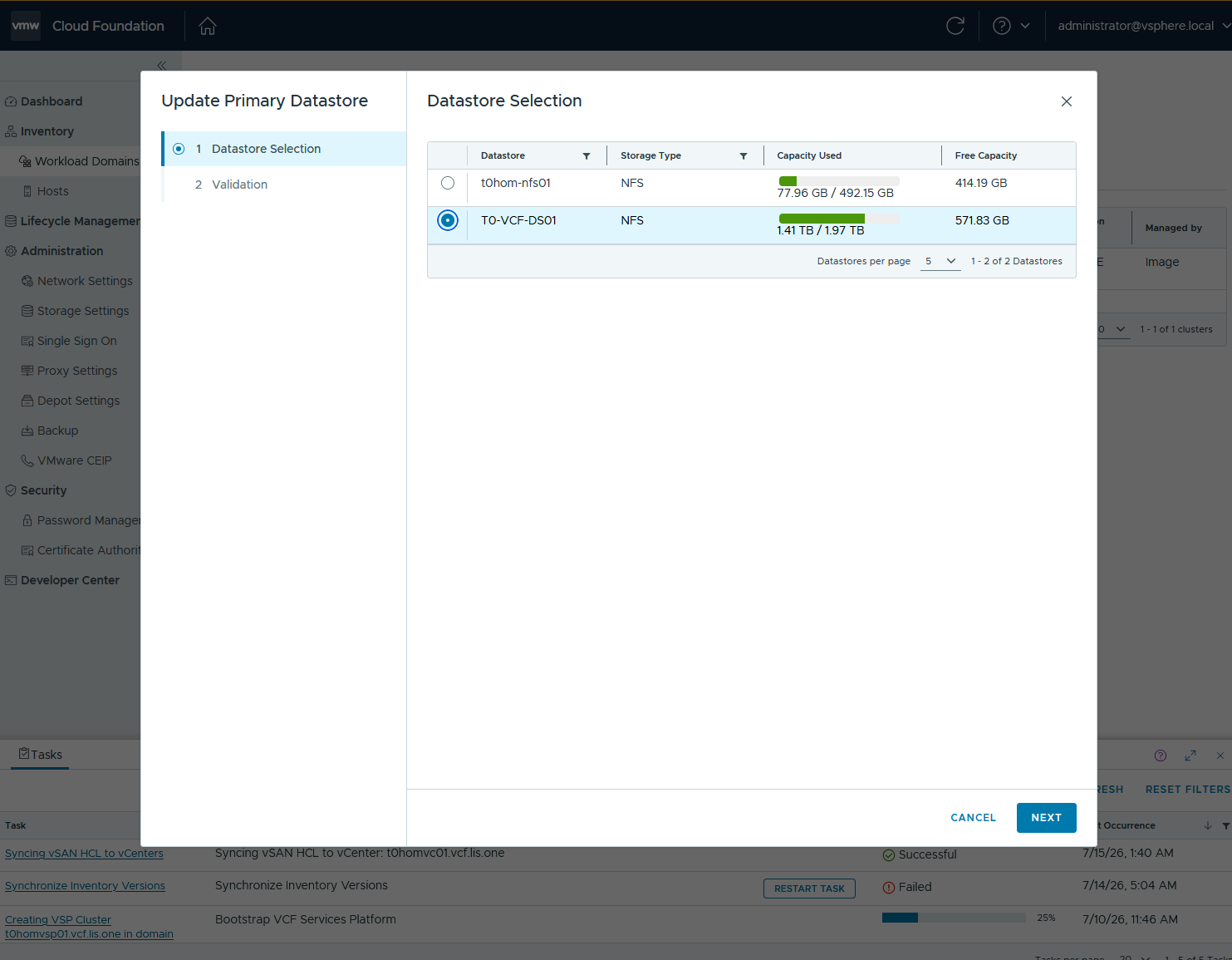
You will be greeted by a wizard which shows all eligible Datastores that we can change over:
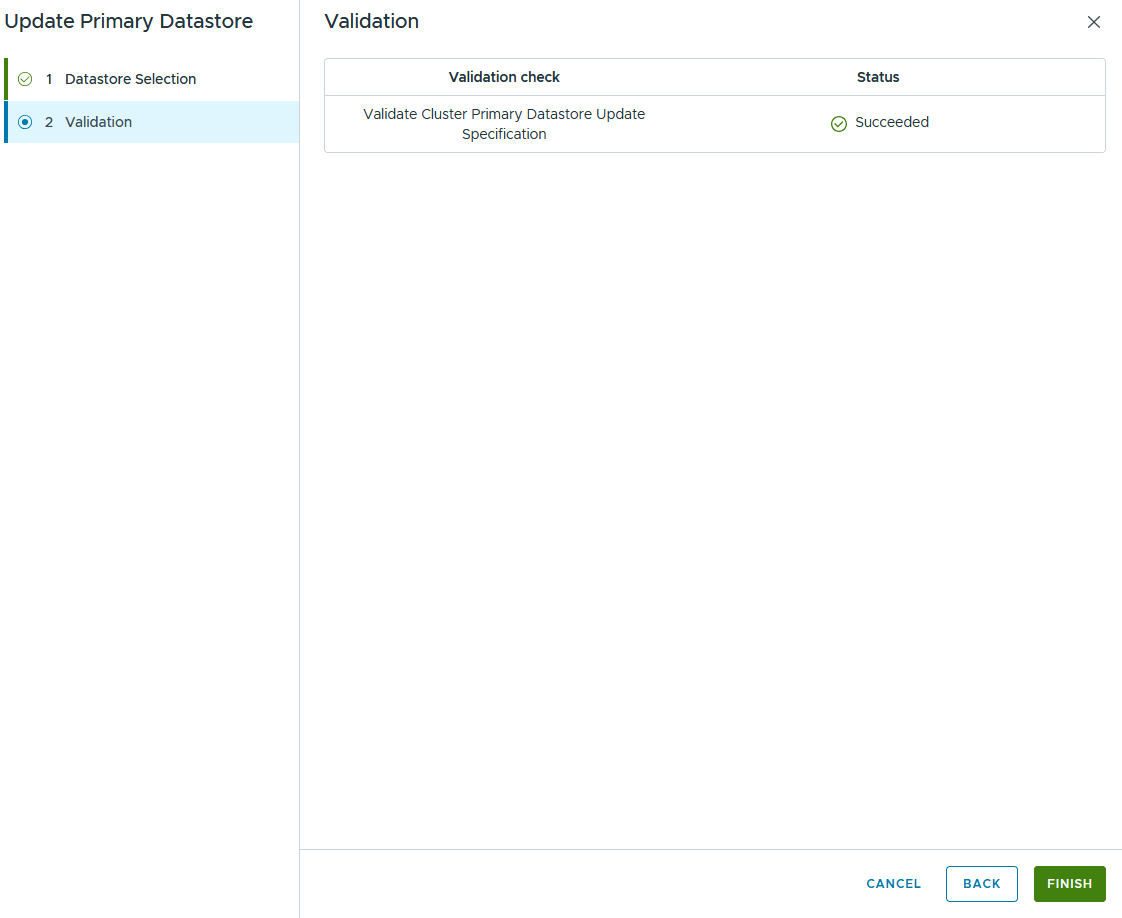
A short validation is running and we hit finish:
After that the SDDC Manager starts the Task:

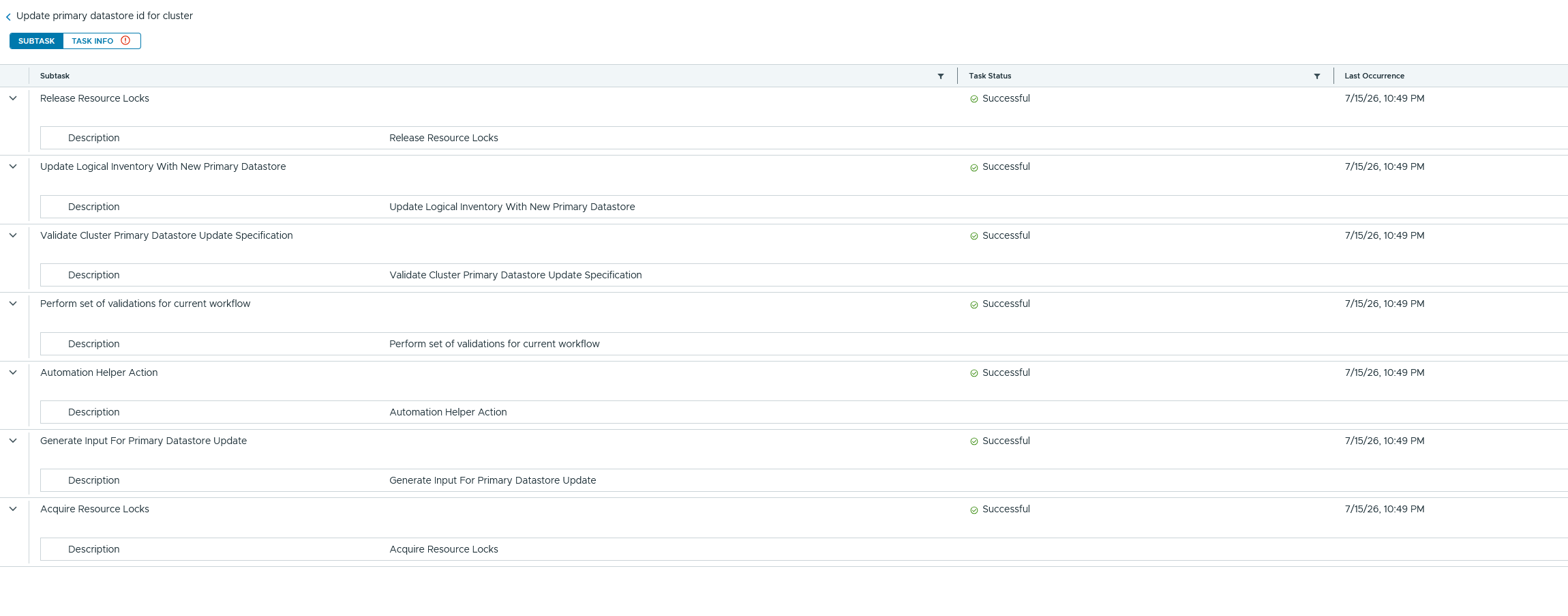
And with that the primary Datastore has been changed! Couldn’t be simpler, right? Atleast better than manually fooling around in the SDDC Managers Database 🙂
In my case i’ve done that while deploying the VCF MGMT Services k8s cluster while the initial deployment was running.
After hitting the retry button in the VCF Installer the VCF Management Services Template was already pushed to the new Datastore 🙂