With VCF 9.1 you need to register your VCF Offline depot with the VCF Business website:
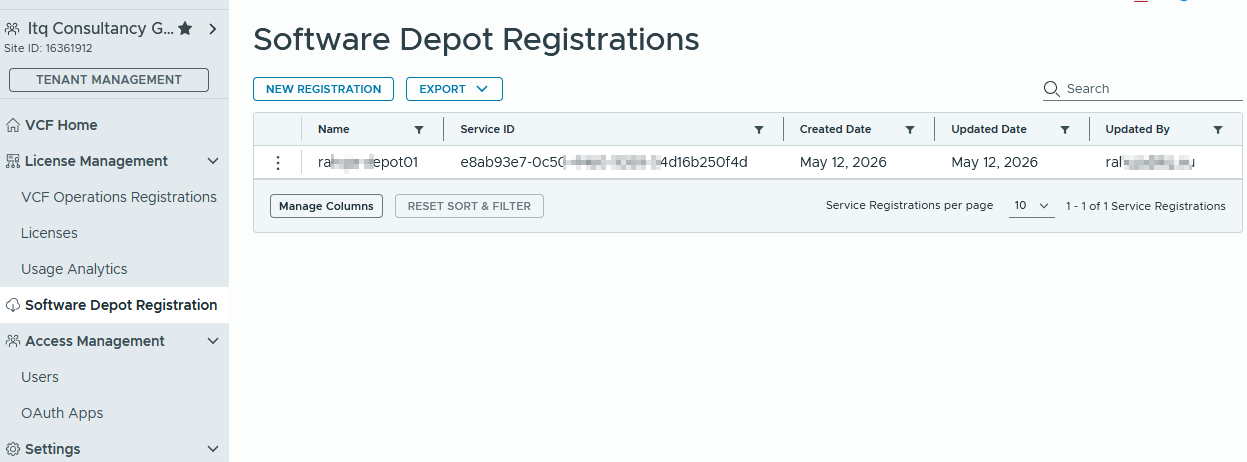
To do that download the vcf-download-tool in version 9.1 and run it with the following command:
vcf-download-tool configuration generate --software-depot-id


With that you will be able to generate a link and an ID which will allow you to download the software packages:
In the VCF Business Console you will be able to manually register your software depot:
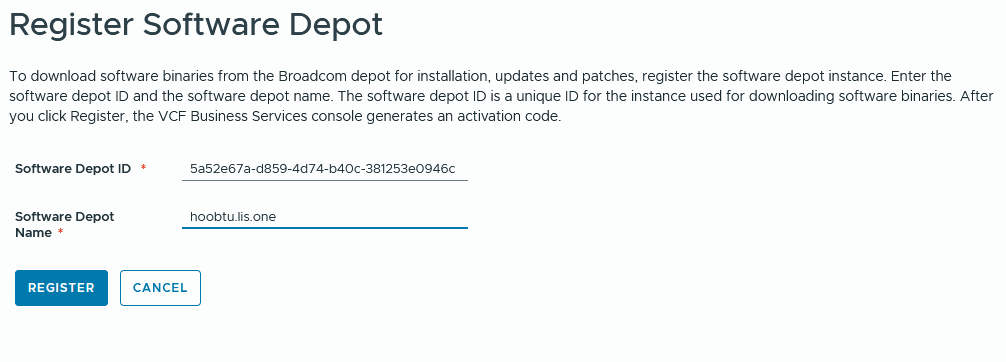
And then you will receive an activation code back:
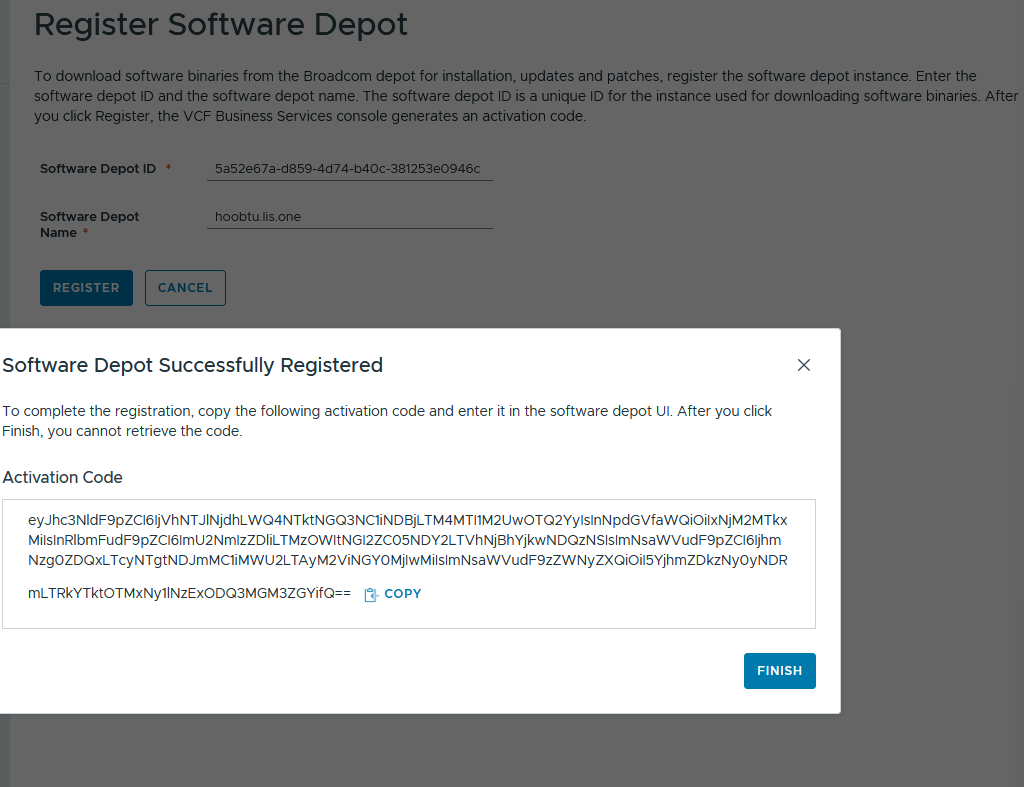
copy that key into a textfile within your offline depot so that it can be referenced
And then we are able to see everything:
vcf-download-tool binaries list --sku VCF --vcf-version 9.1 --depot-download-activation-code-file /root/activation-code.txt --type INSTALL --automated-install
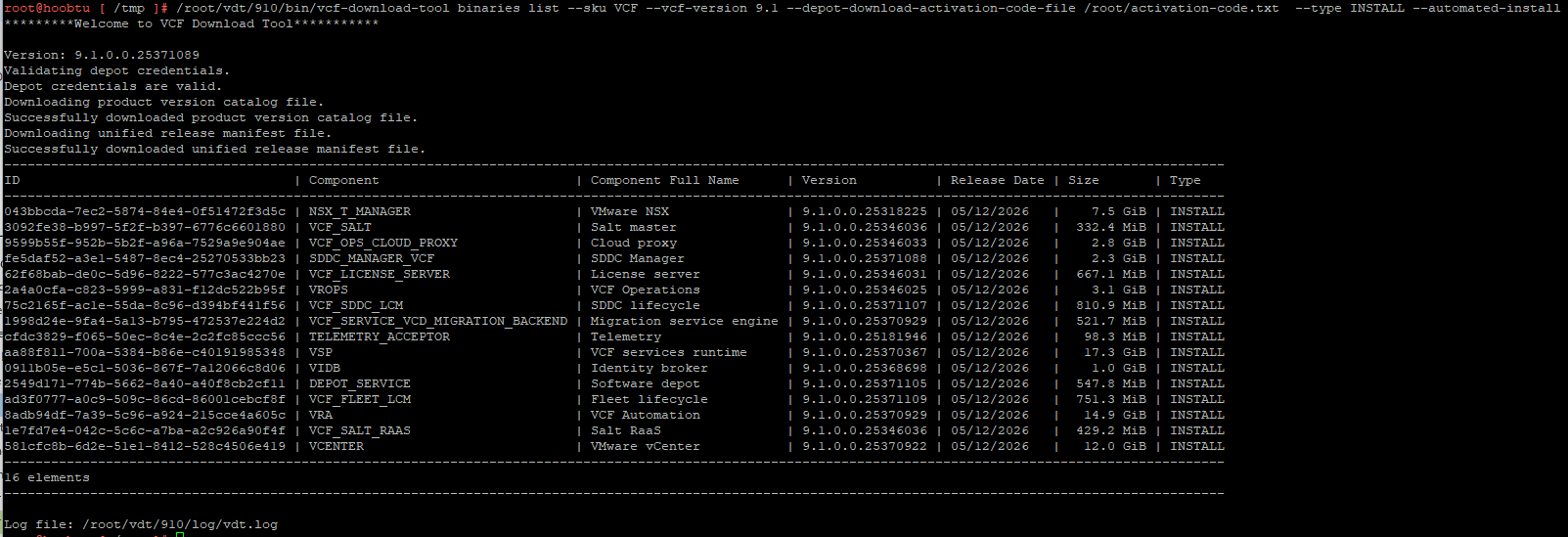
Now we initialize the download and lean back:
vcf-download-tool binaries download --sku VCF --vcf-version 9.1 --depot-download-activation-code-file /root/activation-code.txt --type INSTALL --automated-install --depot-store /var/www/build
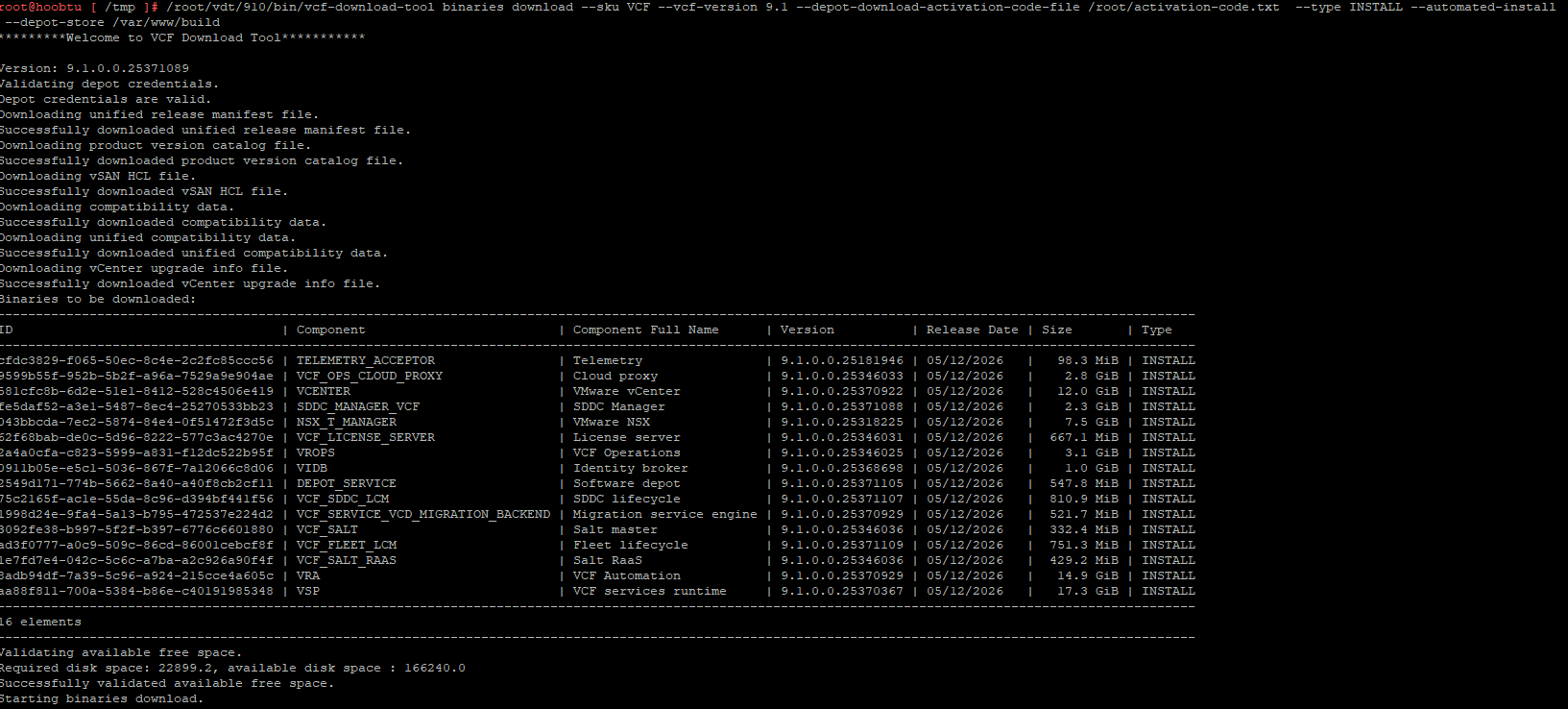
after everything is downloaded we can run the download command again to verify everything is there:
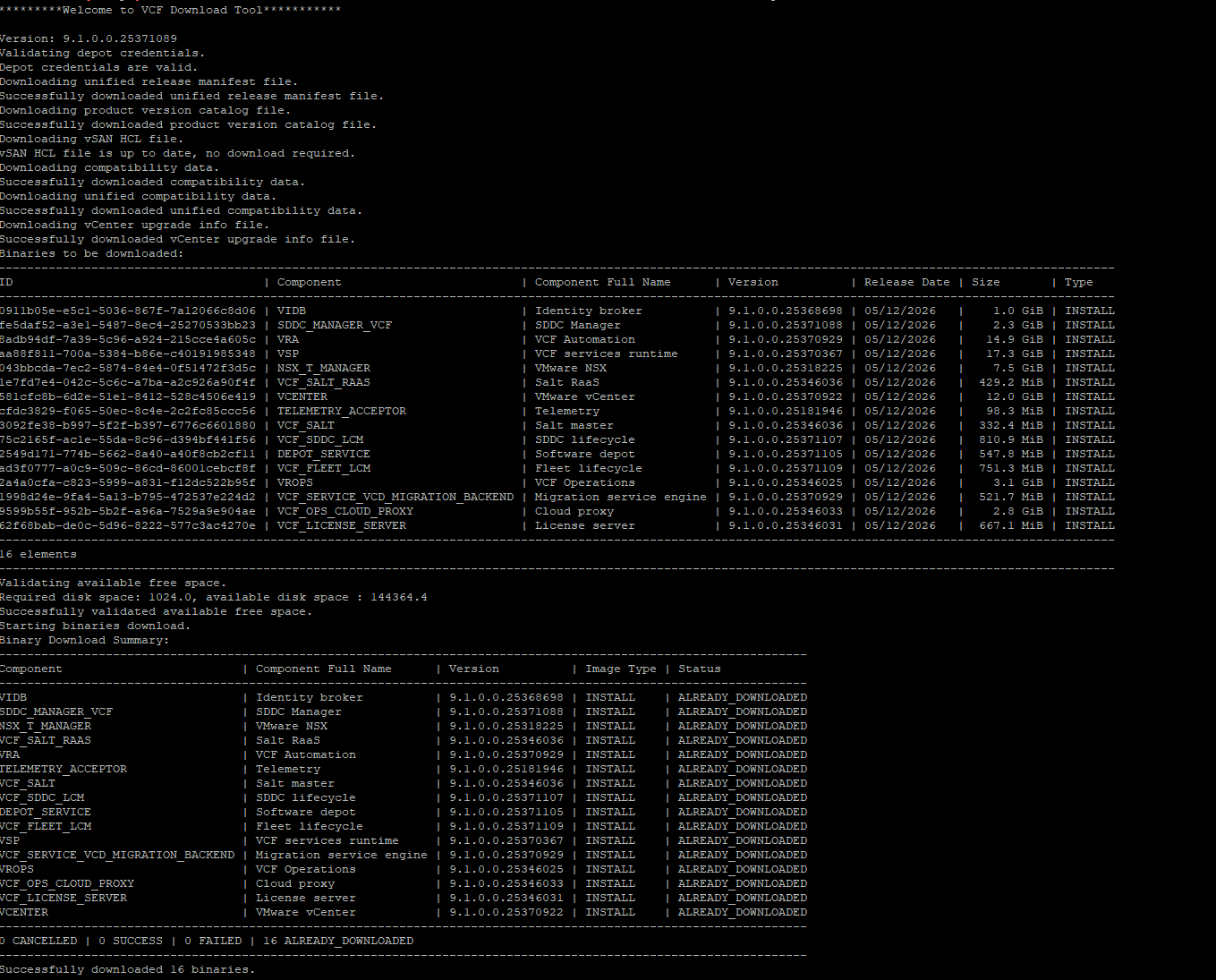
and don’t forget the chmod afterwards if you’ve run the downloader as root!
chown -R nginx:nginx /var/www/build/PROD/ && chmod -R 750 /var/www/build/PROD/